Construction project management: from brief to handover
Start with an agreed scope and a reviewable plan. Keep site records, procurement decisions, changes and acceptance evidence linked to that plan, so the next person knows what is current and what needs a decision.
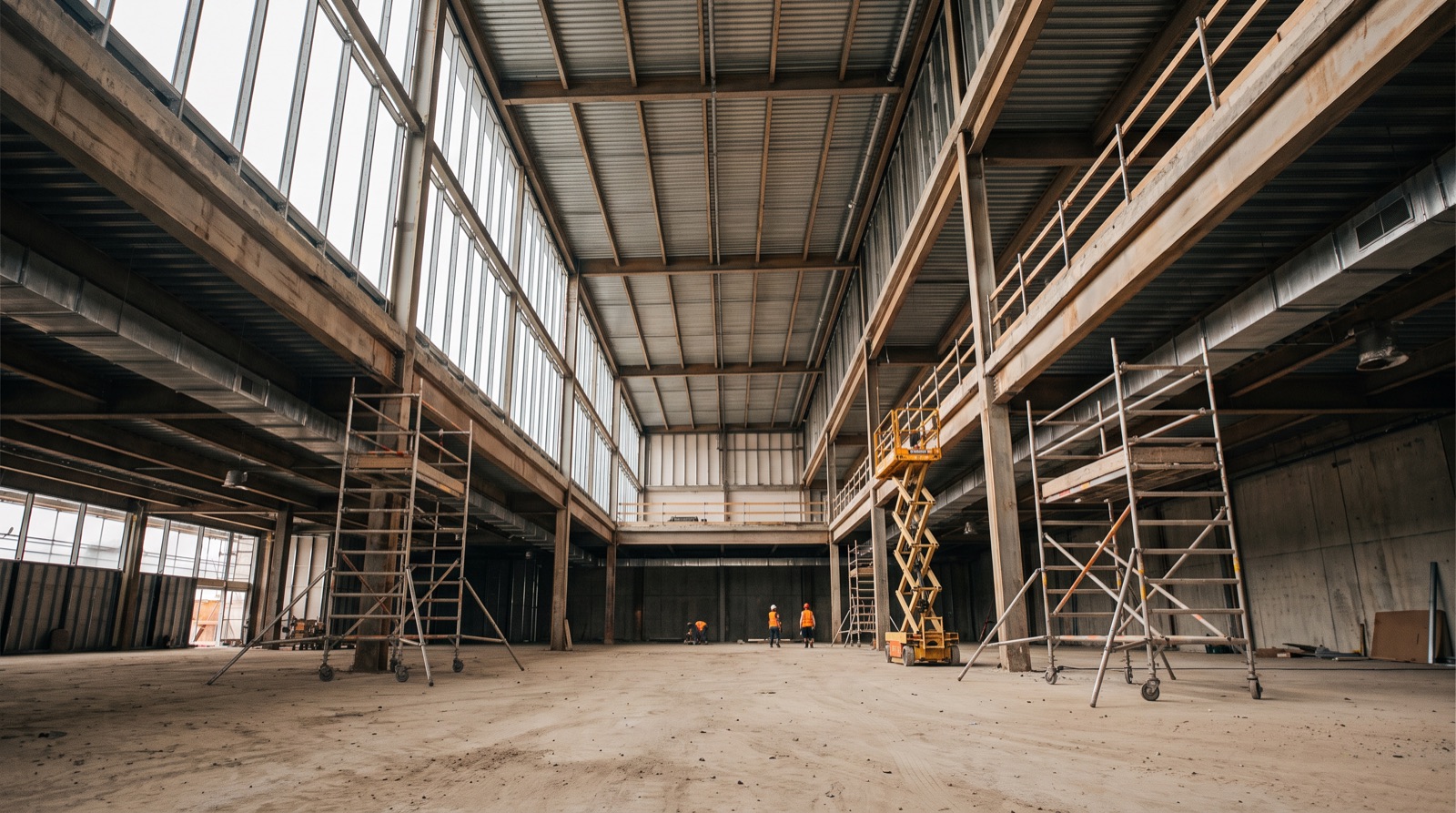
Define the project before choosing the tool
Write down the deliverable, locations, constraints, decision-makers and acceptance criteria. Separate the requested opening date from a forecast supported by a schedule. Keep a register of assumptions and unresolved decisions, including who can resolve each one. A team cannot reliably report against a brief that means something different to the client, designer and contractor.
Connect each phase to a record and an owner
| Phase | Useful record | Decision to resolve |
|---|---|---|
| Brief and scope | Scope register and current drawings | What is included, excluded or still undefined? |
| Planning | Linked schedule and procurement register | Which dependency controls the next milestone? |
| Execution | Daily progress and issue logs | What changed and who needs to act? |
| Change control | Change request with revision history | Who can approve the effect on scope, time and cost? |
| Handover | Inspection evidence and acceptance register | What remains open and who accepts it? |
Set a reporting rhythm people can sustain
Use daily reports for observed progress and immediate issues. Use a short weekly review for forecast dates, overdue decisions and cross-trade dependencies. Agree a reporting cutoff and a status date so a Monday photograph is not mistaken for Friday’s position. Each report needs a responsible author and a clear route for correcting a mistake.
Follow a change through the whole workflow
Illustrative example: the client requests a different counter finish after the original material has been ordered. Record the request and the drawing or specification it changes. Ask the relevant team members to assess availability, rework, cost and time effects. Send it to the authorised decision-maker. Only update the approved scope after the decision, and retain the earlier revision. A message saying “please proceed” without the relevant context may not tell a later reviewer what was agreed.
Prepare handover throughout the project
Give each inspection, test record, operating document and unresolved snag a place in the handover register as the work progresses. Record the required reviewer and evidence, not just “documents pending”. Applicable acceptance and statutory requirements must be agreed with the responsible project professionals. A dashboard status does not replace an inspection or an authorised sign-off.
Start with three linked registers
- A scope and decision register containing current references, owners and due dates.
- A schedule showing the baseline, forecast and dependencies.
- A site issue log linked to activities, evidence and accepted closure.
- Use a common project and location identifier across all three.
- Review access and exports before sharing commercial or personal information with a new system.
Common questions
- What are the phases of construction project management?
- Brief and scope, planning, execution, change control and handover. Each phase needs a record and an owner, such as a scope register, a linked schedule, daily logs, change requests and an acceptance register.
- How often should a construction project report progress?
- Use daily reports for observed progress and immediate issues, and a short weekly review for forecast dates, overdue decisions and cross-trade dependencies, with an agreed reporting cutoff and status date.
- What registers should a project start with?
- A scope and decision register, a schedule showing baseline, forecast and dependencies, and a site issue log linked to activities and evidence, all sharing common project and location identifiers.
Project delivery control register
A blank CSV you can open in Excel or Google Sheets. Adapt the fields to your project. No signup required.
Download CSV