New store opening project management: a rollout checklist
Manage new store openings and retail rollouts with one repeatable readiness checklist per store, a named owner for every milestone, and a cross-store view of exceptions. Report what prevents opening, not just a percentage complete.
What is a retail rollout?
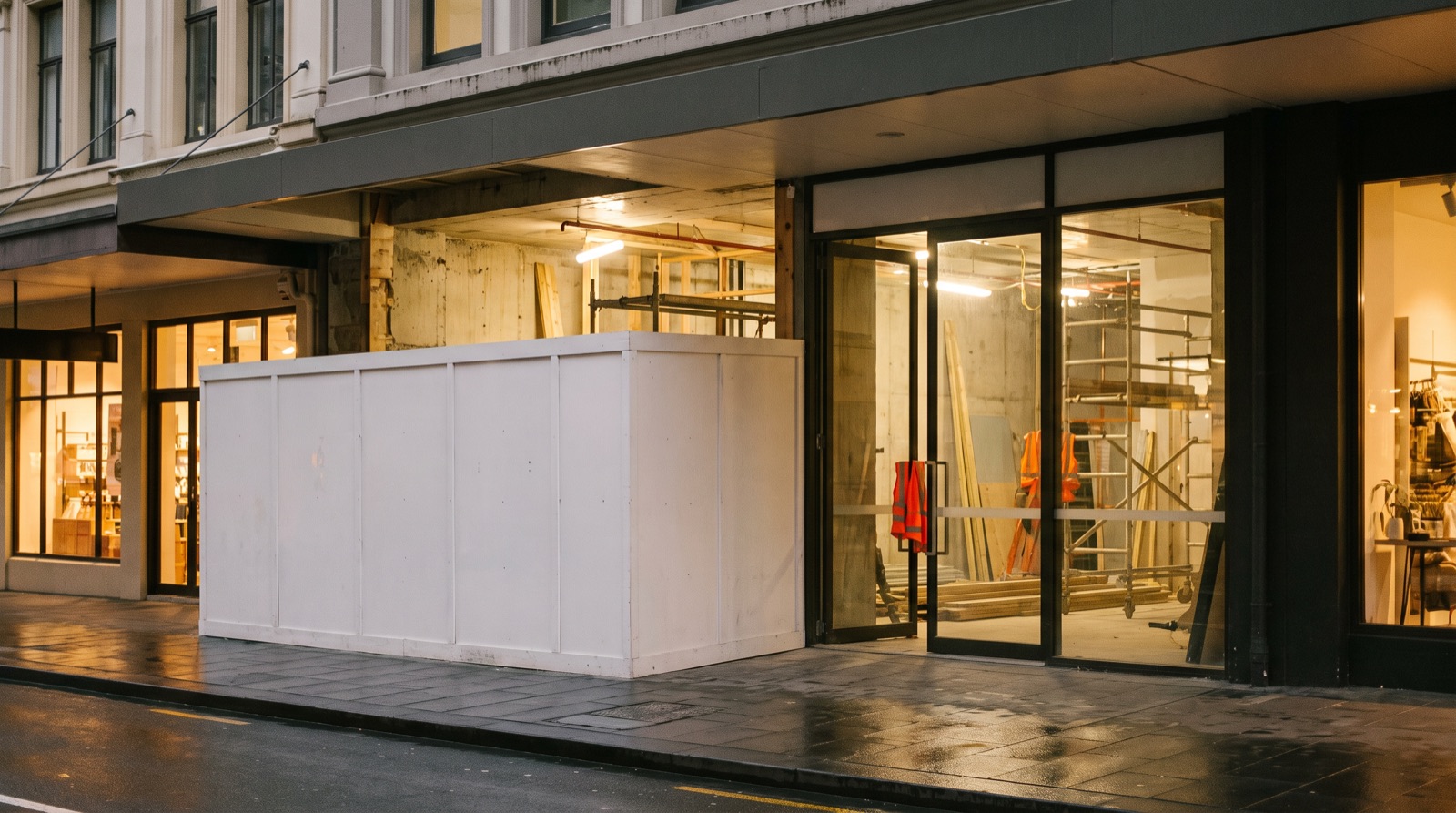
A retail rollout is a coordinated programme of store openings, refurbishments or format changes across locations. Each store has its own access dates, contractors, deliveries and approvals. The programme needs a common reporting structure without pretending that every location has identical constraints.
Start with opening gates, then work backwards
Agree what “ready to open” means with the people who will accept the store. Identify design approval, site access, long-lead procurement, fitout completion, testing, merchandising and handover as separate gates. For each gate, record the planned date, forecast date, acceptance evidence and person who can approve it. Applicable statutory approvals must be identified by the responsible local professionals, not assumed from a generic checklist.
| Gate | Evidence to request | Example owner |
|---|---|---|
| Design released | Approved drawing revision and unresolved decisions | Design lead |
| Site access | Confirmed access date and landlord conditions | Project manager |
| Materials ready | Delivery commitment and receipt exceptions | Procurement lead |
| Fitout complete | Area-by-area checks and open snag register | Site supervisor |
| Opening accepted | Required approvals, testing records and handover acceptance | Client representative |
Use one exception log across locations
A store can look mostly complete and still be unable to open. Record each exception as a decision or action: store ID, affected gate, issue, impact, owner, due date, evidence and next review. Keep the original baseline alongside the latest forecast. A changed forecast should explain what changed; it should not erase the previous commitment.
A worked example: delayed fixtures
Illustrative scenario: Store S-014 expects fixtures on 8 October, but the supplier now forecasts 11 October. Installation is due to start on 9 October. Log the affected milestone and ask procurement to confirm the revised delivery in writing. The site lead checks whether other work can proceed safely. The project manager assesses the opening impact and records the decision. “Procurement delayed” alone is not a useful escalation.
Run a short weekly rollout review
- Review stores with an opening gate due before the next meeting.
- Discuss missed or forecast-to-miss gates first; give each decision an owner and date.
- Check whether the evidence is current. Mark unknown status as unknown rather than green.
- Publish changes, decisions and the next review date in the same register.
- Close an issue only when the agreed evidence has been accepted.
Choose reporting software around the decision
In a demo, use two sample stores with different dates. Ask the vendor to show an overdue decision, a revised forecast, source evidence and an export. Check who can change dates and who can see commercial details. A colourful portfolio dashboard is useful only if the team can trace its status back to a recent site record.
What a head of expansion should review
For a multi-site programme, compare each store’s forecast opening against its agreed baseline and identify the decision that could change that forecast. Keep landlord access, design release, procurement and acceptance as separate gates. Ask for an owner and decision date on every exception. Do not rank stores only by percentage complete: similar percentages can conceal very different opening constraints.
Apply the same discipline to a single retail fitout
For one store, the fitout manager still needs a current scope, linked programme, daily site records, change decisions and accepted handover evidence. Use the opening gates to connect those records. Bullet is in early access; a guided demo can explore reporting requirements but does not replace an appointed contractor, project manager or statutory reviewer.
Plan the fitout timeline backwards ↗
Common questions
- What is a retail rollout?
- A retail rollout is a coordinated programme of store openings, refurbishments or format changes across several locations. Each store has its own access dates, contractors, deliveries and approvals, so the programme needs one reporting structure that still respects local constraints.
- What should a store-opening checklist include?
- Separate opening gates such as design released, site access, materials ready, fitout complete and opening accepted. For each gate record the planned date, forecast date, acceptance evidence and the person who can approve it.
- How do you track problems across many stores?
- Keep one exception log across locations. Record the store, affected gate, issue, impact, owner, due date, evidence and next review, and keep the original baseline next to the latest forecast so changes stay visible.
Retail rollout exception log
A blank CSV you can open in Excel or Google Sheets. Adapt the fields to your project. No signup required.
Download CSV