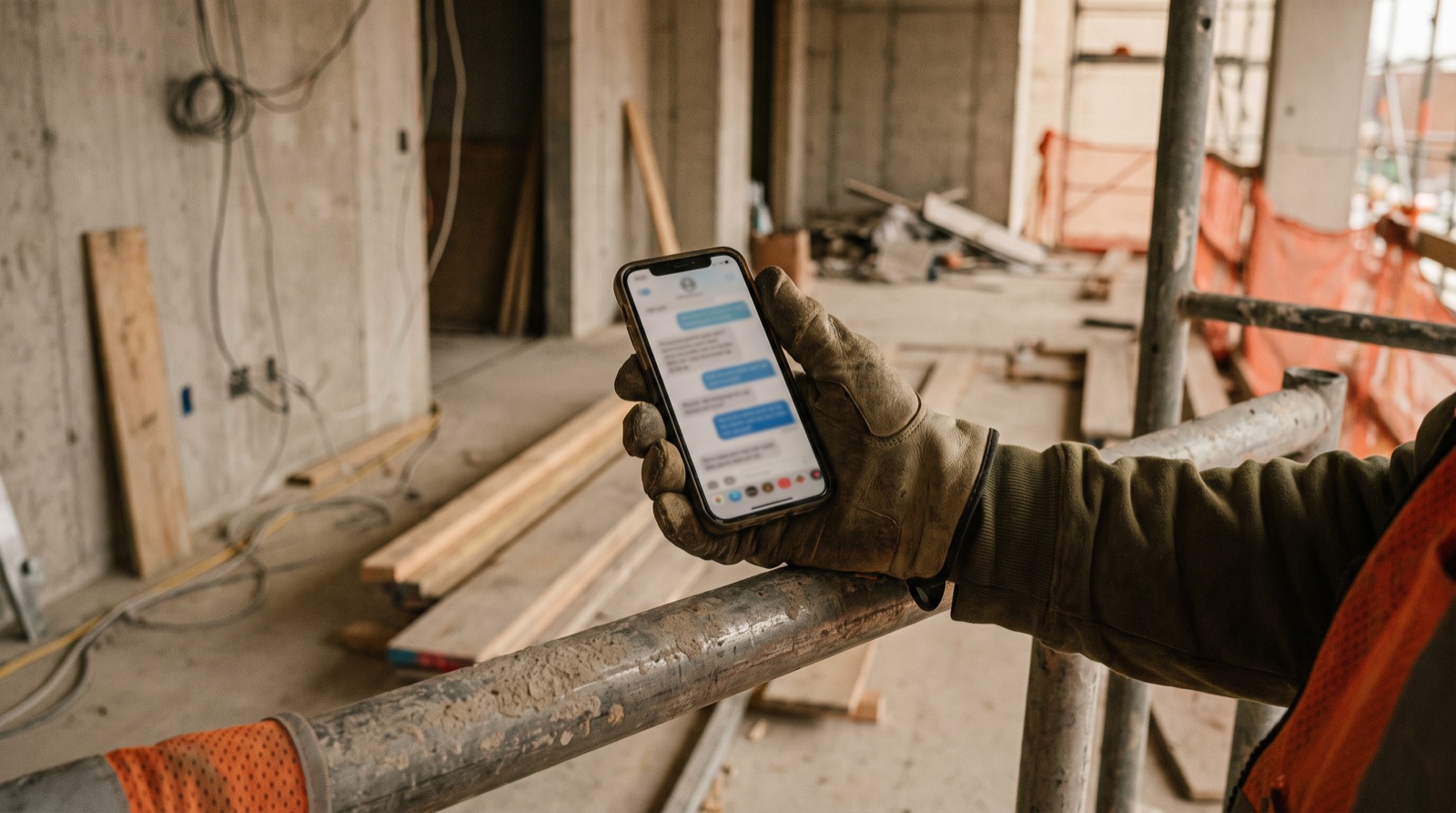
Voice-to-text on construction sites: capture, review and confirm
Treat a voice transcript as a draft. Capture one clear update, check the project, location, numbers and units, then confirm the structured record before sharing it or turning it into an action.

Use a repeatable speaking format
When it is safe and appropriate to record, state the project and location first. Describe the activity, observed progress, blocker and next action. Keep one update focused on one work area where practical. Do not ask people to record while operating equipment or carrying out a task that needs their attention. Use the site’s established communication process for urgent matters.
Keep the source, transcript and accepted record distinct
A cleanly formatted output can still misstate the original message. Keep enough permitted source context to let the reviewer resolve disagreements and avoid treating an automated summary as approval.
| Stage | What it means |
|---|---|
| Source update | What the person actually said, retained only under the agreed policy |
| Transcript | A proposed written representation that may contain errors |
| Structured draft | Suggested fields extracted from the message |
| Accepted record | Details confirmed by the responsible person |
Check the details that change the action
- Project and location: confirm the record is attached to the right site.
- Quantity and unit: distinguish fifteen from fifty and metres from square metres.
- Status: separate ordered, received, installed and inspected.
- Negation: check whether the speaker said work is complete or not complete.
- Owner and date: do not invent either when the speaker left them out.
- Uncertain terms: ask for clarification instead of silently correcting them.
A draft worth rejecting
Illustrative source: “Store S-014, fifteen boxes delivered; not installed. Supplier to confirm the balance.” A faulty draft says “Fifty boxes installed; delivery complete.” The reviewer must correct both the quantity and status, then leave the outstanding quantity unknown until confirmed. This example shows why readable prose is not evidence of an accurate report.
Test the complete workflow
With permission, use a small sample reflecting the languages, terminology and recording conditions your users actually encounter. Record the expected facts, transcription errors, missing fields, correction time and whether users can recover an interrupted submission. Include text input as a fallback. Do not claim offline capture, automatic retry or a particular accuracy rate until you have verified that behaviour in the chosen tool.
Agree privacy and review responsibilities
Confirm what may be recorded, who can access it, how long it is retained and how deletion or correction works. Avoid capturing unrelated conversations. Bullet is exploring voice-first reporting in a prototype; a guided demo should test your review process rather than imply that every language or site condition is already supported.
Common questions
- Is voice-to-text accurate enough for construction reports?
- Treat every transcript as a draft. Readable prose is not evidence of an accurate report, so check the project, location, numbers, units and status before the record is shared or acted on.
- How should site teams record a voice update?
- When it is safe to record, state the project and location first, then the activity, observed progress, blocker and next action, keeping one update to one work area where practical.
- What mistakes should reviewers look for in a voice transcript?
- Wrong site or location, quantities such as fifteen versus fifty, units, status words like ordered versus installed, negation, and owners or dates the speaker never gave.
Voice-reporting acceptance test
A blank CSV you can open in Excel or Google Sheets. Adapt the fields to your project. No signup required.
Download CSV