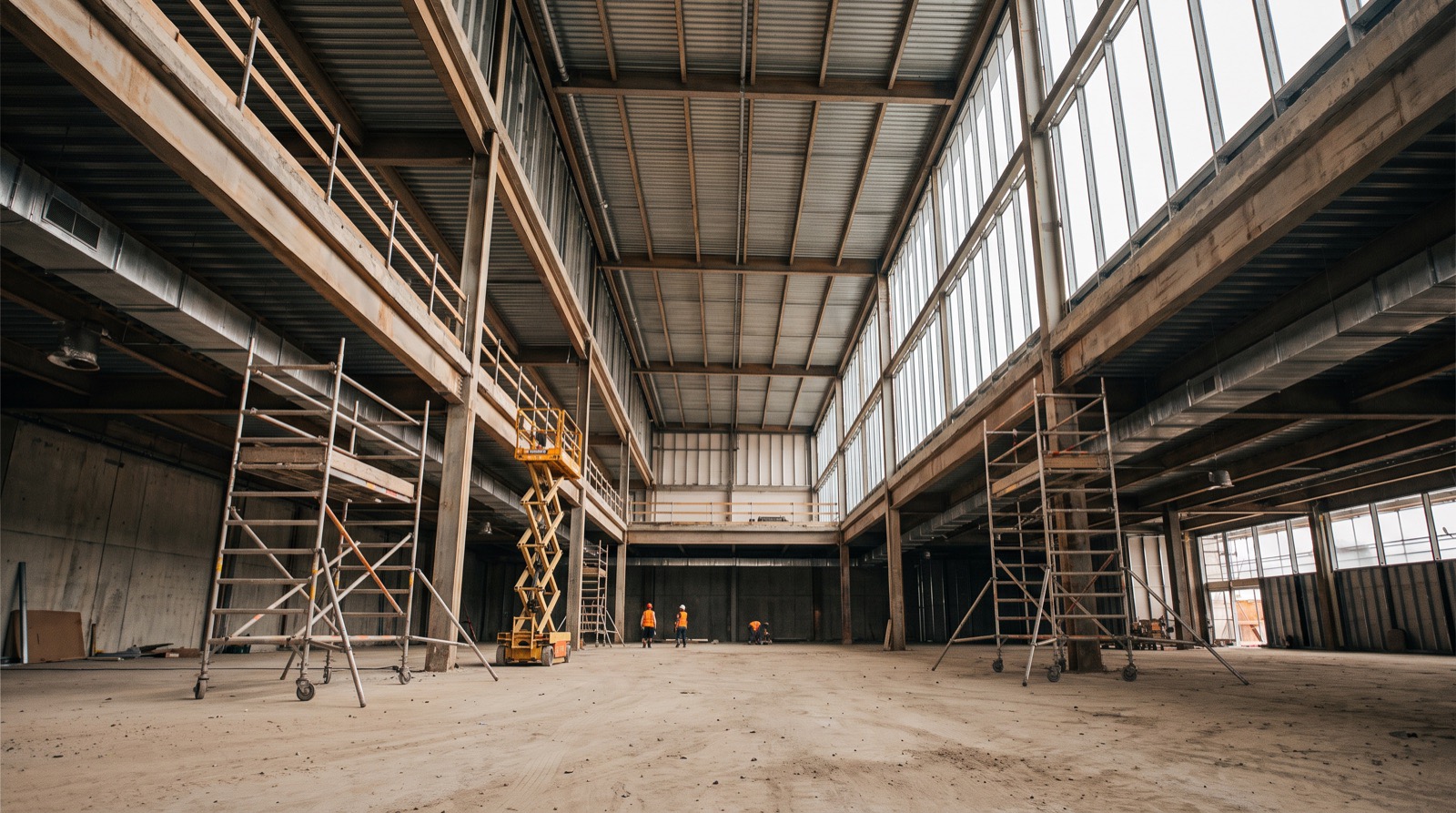
WhatsApp for construction updates: when to add a project log
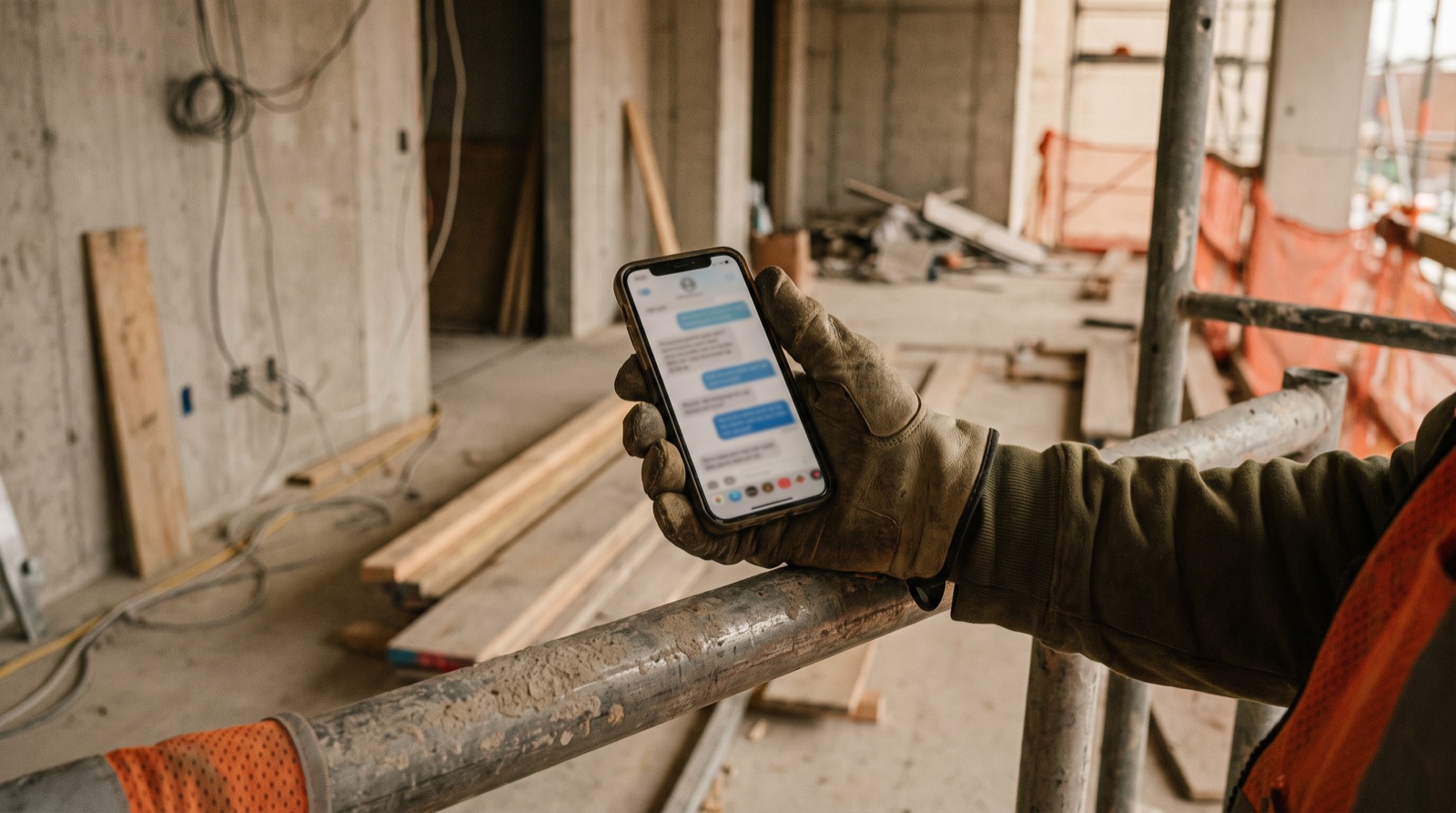
Messaging is useful for quick coordination. Add a structured project log when a message changes scope, blocks work, assigns an action or needs approval. Preserve the relevant context and record an owner, date and evidence.
Recognise the handoff problem
The problem is not whether a messaging app is good or bad. It is whether the next person can find a decision and tell if it is current. A photograph in a group chat may not identify the store, room, drawing revision or required action. Agree which records must move from conversation into the shared project record.
Define which messages become records
| Message type | Record to create |
|---|---|
| Work completed | Daily update linked to location and evidence |
| Work blocked | Issue with impact, owner and review date |
| Scope or design change | Change request for the authorised decision-maker |
| Defect found | Snag with location, responsible trade and closure evidence |
| Approval requested | Decision with approver, due date and relevant revision |
Turn a vague message into an actionable update
Illustrative message: “Ceiling not done, material missing.” A reviewable record would say: “Store S-014, sales floor: ceiling installation paused because the specified suspension components have not arrived. Procurement to confirm delivery by 15:00 tomorrow. Site lead to review the effect on the next activity. Photo and delivery reference attached.” Do not infer missing facts from a voice note; ask the author to confirm them.
Introduce a lightweight daily routine
- Capture the update in the team’s working language.
- Confirm project, location, work completed and any blockers.
- Assign one accountable owner and a next action to each issue.
- Ask the author to review any AI transcription or translation.
- Put the accepted record in the shared log and send a link back to the conversation.
Evaluate a tool with a realistic handoff
Ask a site supervisor to submit an update, a project manager to correct it, and a client reviewer to see only the intended information. Test a slow connection, a mistaken attachment and an overdue action. Confirm retention, permissions and export requirements. Do not assume a messaging replacement automatically gives you an auditable approval process.
Keep the adoption decision small
Trial the routine on one reporting workflow before moving every conversation. Agree who maintains the log and how exceptions are resolved. Bullet’s guided prototype demo can help discuss voice-based capture and review, but production readiness and any pilot scope must be agreed separately.
Common questions
- Is WhatsApp good enough for construction site updates?
- Messaging works for quick coordination. The problem is whether the next person can find a decision and tell if it is current, so agree which messages must also become records in a shared project log.
- Which site messages should become a formal record?
- Completed work, blocked work, scope or design changes, defects and approval requests. Each should be recorded with its location, owner, due date and evidence rather than left in a chat thread.
- How do you turn a vague site message into a useful update?
- Name the project and location, describe what is paused and why, assign the person who must act and by when, and attach the photo or delivery reference. Ask the author to confirm facts rather than guessing them.
Site issue and decision log
A blank CSV you can open in Excel or Google Sheets. Adapt the fields to your project. No signup required.
Download CSV