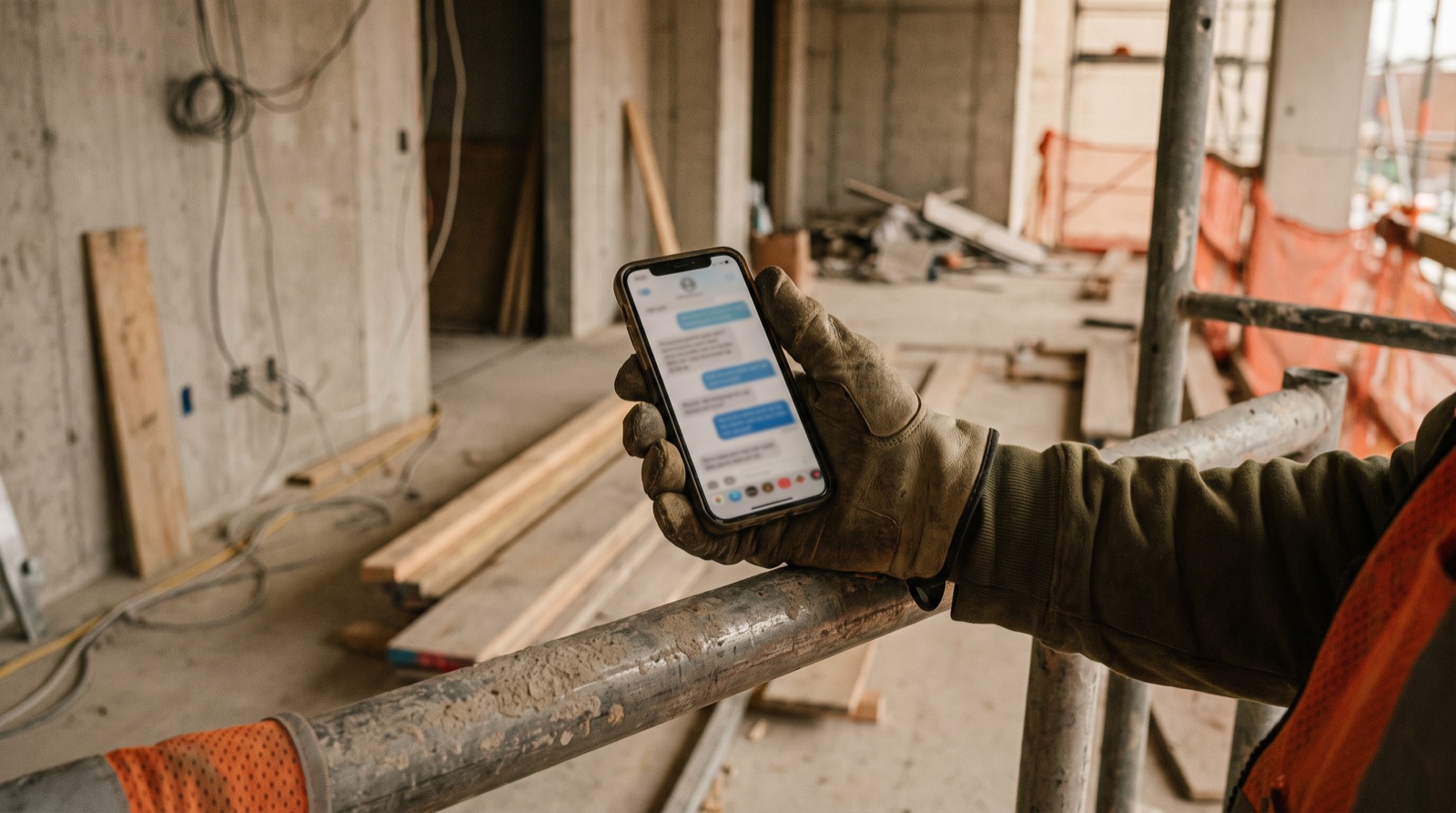
Multilingual construction teams: a clearer reporting workflow
Let people report in a language they understand, preserve the original meaning, and confirm the details that drive action. A translated sentence is a draft until the relevant names, quantities, locations and instructions have been checked.
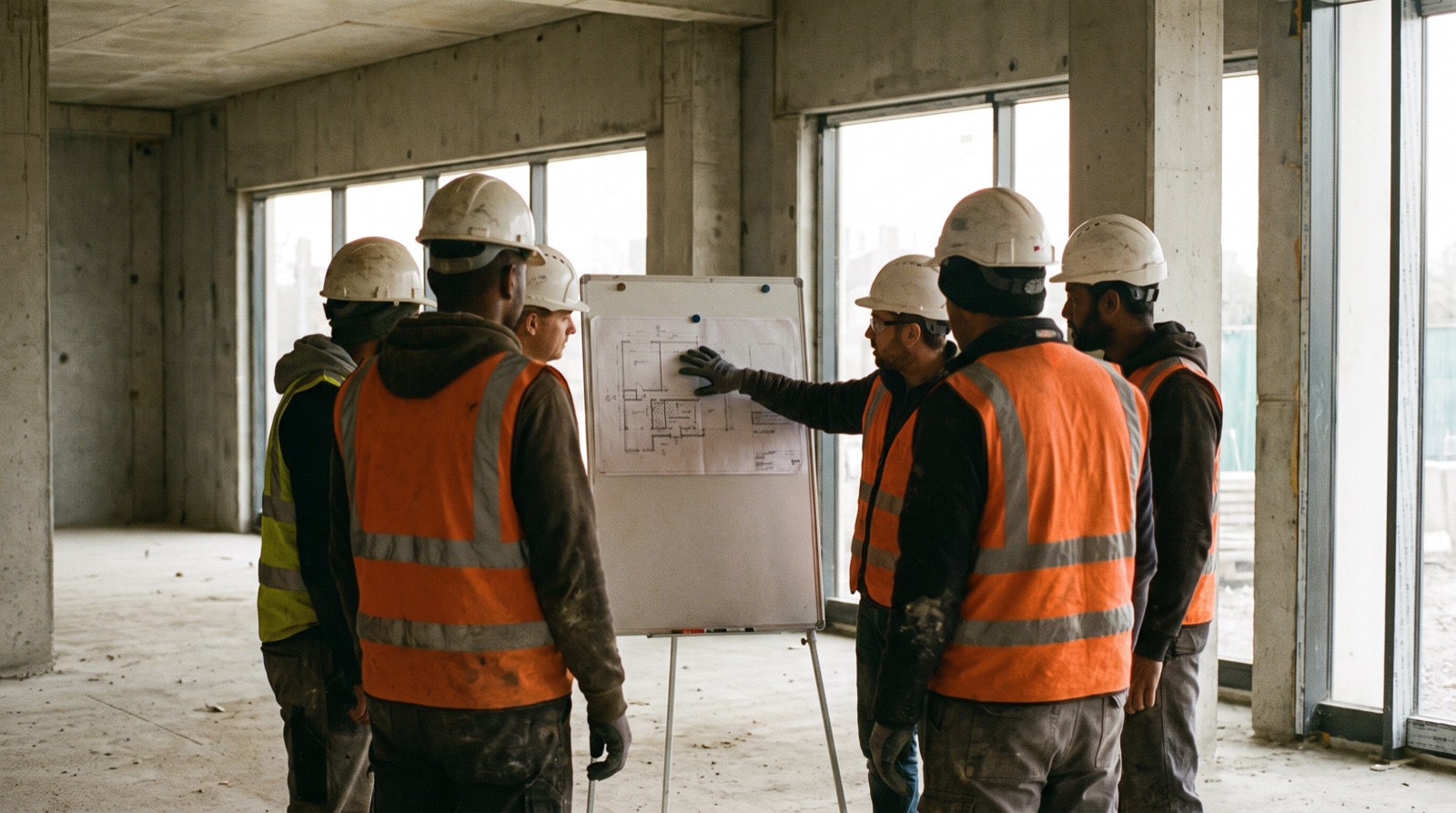
Identify who needs which version
Map the people who submit, review and receive updates. A supervisor may prefer to speak in one language while a client wants a written summary in another. Do not assume language preference, reading ability or comfort with technical terms from someone’s role. Ask users, then test the full handoff with their permission. Keep an accessible fallback for people who cannot use the proposed input method.
Keep a small project glossary
Agree common location names, trade terms, abbreviations, material codes and units. Include the approved project identifier and drawing references. A glossary should clarify terminology, not silently replace an unfamiliar word with the closest known item.
| Field | What to record |
|---|---|
| Source term | The word or phrase actually used |
| Agreed meaning | A concise explanation checked by the team |
| Location or item code | Stable reference used in project records |
| Example | A sentence showing the term in context |
| Reviewer | Person who confirmed the meaning and date |
Use a review loop, not automatic forwarding
- Capture the original message or transcript according to the agreed retention policy.
- Generate a draft translation, keeping ambiguous terms visible.
- Confirm project, location, date, quantity and unit with the author.
- Have an appropriate reviewer check instructions and technical meaning.
- Share the accepted record, retaining correction history and the source reference where permitted.
Check a mixed-language quantity carefully
Illustrative scenario: an update mixes an English material code with a local-language sentence and the number “fifteen”. The draft transcript reads “fifty”. Instead of choosing the more plausible quantity, ask the author to confirm the number and unit. Also check whether the message describes material ordered, delivered or installed. Correct translation cannot resolve an unclear underlying status.
Keep urgent communication outside an uncertain translation queue
Do not make an unreviewed translation the sole channel for urgent or safety-critical communication. Follow the site’s established escalation and training procedures, with qualified people providing the necessary instructions. For a US-specific reference, OSHA discusses providing training in a language and vocabulary workers understand; other jurisdictions and project requirements must be checked separately.
Test the languages you actually use
Run a small agreed sample with the intended speakers and reviewers. Record corrections, uncertain terms and time spent reviewing; a supported-language list is not proof of performance on your site. Bullet’s multilingual reporting is a prototype workflow to discuss and test in a guided demo, not a guarantee of translation accuracy.
Common questions
- How do you manage reporting on a multilingual construction site?
- Let people report in a language they understand, keep the original meaning, and confirm the names, quantities, locations and instructions that drive action before the translated record is shared.
- Why keep a project glossary?
- A glossary agrees location names, trade terms, abbreviations, material codes and units, so a translation clarifies terminology instead of silently replacing an unfamiliar word with the closest known item.
- Can machine translation be used for urgent site instructions?
- An unreviewed translation should not be the only channel for urgent or safety-critical communication. Follow the site’s established escalation and training procedures with qualified people.
Project language and glossary review
A blank CSV you can open in Excel or Google Sheets. Adapt the fields to your project. No signup required.
Download CSV